
Game Changer 5 for PC – Play Cricket on Windows
Play Game Changer 5 on PC for free by using an Android emulator for Windows 10 and 11.
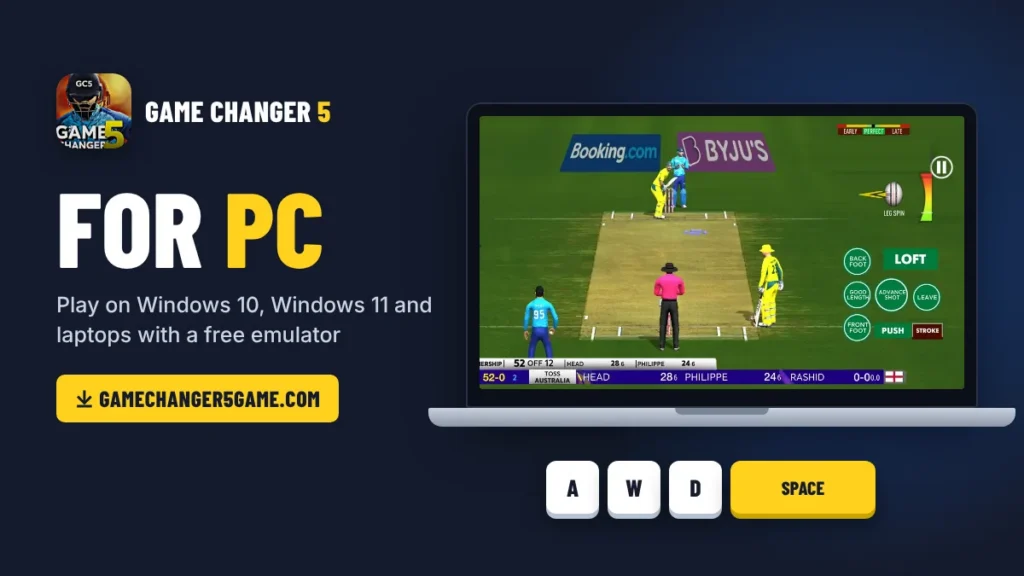
Playing Game Changer 5 on a small phone screen is not always fun. Your thumbs cover half the pitch and you miss shots you should have timed perfectly. Long matches drain the battery and heat up the phone, and a low-end phone can lag right at the big moments. So many players start looking for a Game Changer 5 for PC, but they only find fake .exe files and confusing links.
The truth is that the game is made for Android and there is no official PC version yet. The good news is that you can still play the full game on Windows 10, Windows 11 or your laptop with a free emulator like BlueStacks. It works with the latest v4.4 of Game Changer 5, and the simple steps are given below.
How To Download and Play Game Changer 5 PC?
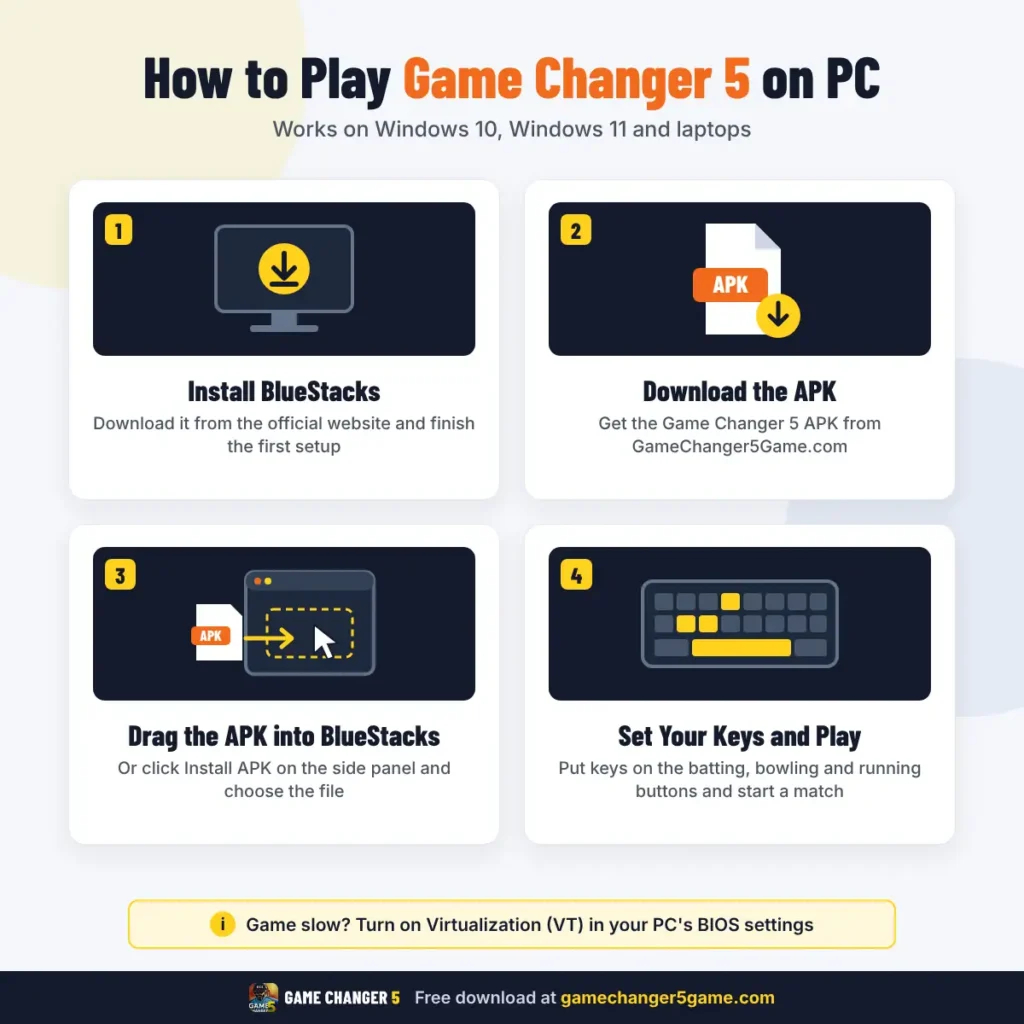
Playing Game Changer 5 on PC takes about 10 minutes and is completely free. You only need an Android emulator and the game’s APK file. The steps below use BlueStacks, but they are almost the same in LDPlayer. This method works with the latest v4.4 and every older version.
If the game feels slow, check that Virtualization (VT) is turned on in your PC. BlueStacks shows a warning when it is off, and you can turn it on in your PC’s BIOS settings.
Best Emulator for Game Changer 5
Game Changer 5 runs on most popular Android emulators. The right one depends on how strong your PC or laptop is. Always download an emulator from its official website only.
BlueStacks 5
The best choice for most players. It is easy to set up and has the best keyboard tools. It needs Windows 7 or newer and at least 4 GB RAM.
LDPlayer 9
A lighter emulator that works well on older PCs and laptops. It runs with just 2 GB RAM, but Virtualization must be on.
MEmu
Another light option for low-end PCs. It needs 2 GB RAM and Virtualization turned on.
NoxPlayer
It works fine, but it needs a stronger PC with 8 GB RAM.
GameLoop is made mainly for Tencent games like PUBG Mobile. For Game Changer 5, BlueStacks or LDPlayer is the safer pick.
Keyboard Controls and Best Settings
Playing with a keyboard makes batting and bowling much easier than tapping a small screen. BlueStacks and LDPlayer both let you place keyboard keys on the game’s on-screen buttons. In BlueStacks, open Game Controls from the side panel or press Ctrl + Shift + A. In LDPlayer, click the keyboard icon on the side bar. Then drag keys onto the batting, bowling and running buttons and save.
- W A S D
- Space
- R
- Enter
For shot type, put J on the front-foot button and K on the back-foot button. For spin bowlers, place 1 to 5 on the delivery buttons like googly and flipper.
For smooth gameplay, open the emulator settings and use these:
About Game Changer 5 for PC
Game Changer 5 for PC is the same Android game running inside an emulator on your computer. You get the full game with every mode, team and update, but it uses your PC’s power instead of your phone’s. That makes it a good choice if your phone is low on storage, too slow for the latest version, or simply too small for long matches. It also suits players who want to record or stream their matches.
The main change on PC is how you play. You use keys instead of taps, so you set up your own control layout once and use it in every match. Graphics and smoothness now depend on your PC, and even a normal laptop with 8 GB RAM runs the game better than most budget phones. Your matches, squads and extra files are all saved inside the emulator on your computer.
Key Features
Game Changer 5 PC Download System Requirements
Game Changer 5 runs inside an emulator, so your PC needs enough power for both the emulator and the game. The good news is that you don’t need a gaming PC. Most normal laptops and desktops from the last few years can run it. Check your PC against the list below before you download.
| Requirement | Minimum | Recommended |
|---|---|---|
| Windows | Windows 7 | Windows 10 or 11 |
| Processor | Intel or AMD dual core | Intel Core i5 or Ryzen 5 |
| RAM | 4 GB | 8 GB or more |
| Free Storage | 7 GB | 10 GB on an SSD |
| Graphics | Built-in graphics with latest driver | Any dedicated graphics card |
| Virtualization (VT) | On | On |
| Internet | Only for downloads | Only for downloads |
The storage includes about 5 GB for the emulator and 651 MB for the game, plus room for updates and extra stadium files. On a 4 GB RAM laptop, set the game graphics to low for smooth play. If your PC has 8 GB RAM and an SSD, you can keep the graphics on high without any lag.
Final Words
Game Changer 5 has no official PC version yet, but that doesn’t stop you from playing it on a big screen. With a free emulator like BlueStacks, you get the full game on Windows 10, Windows 11 or your laptop in just a few minutes. Download the Game Changer 5 PC APK, set up your keys and enjoy every match with better control.