
Play Game Changer 5 iOS on iPhone and iPad
Game Changer 5 has no official iOS version, but there are alternative ways to play it on iPhone and iPad.
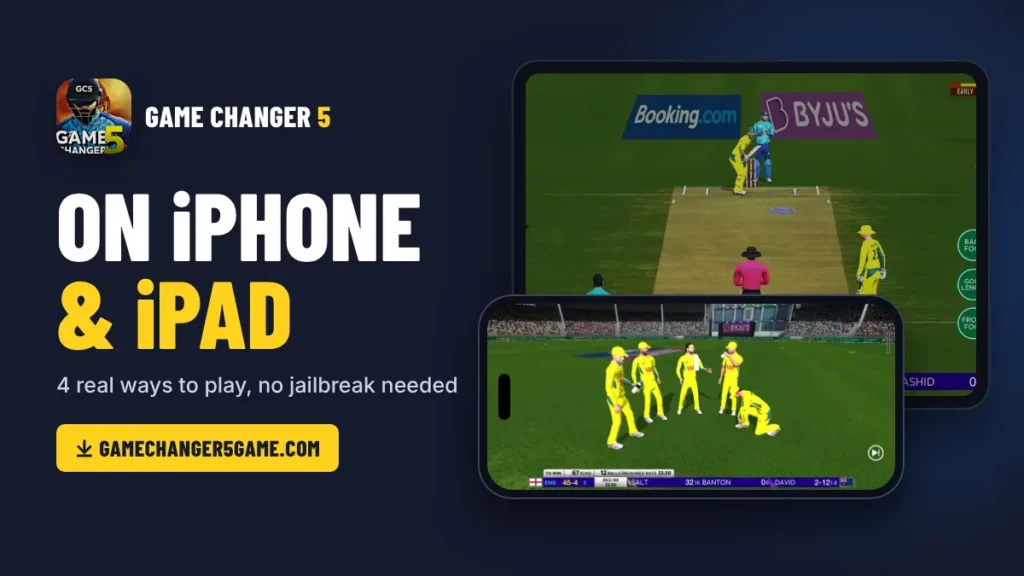
Your friends are playing Game Changer 5 on their Android phones, and you want to join them on your iPhone. You open the App Store, type the name, and nothing comes up. Then you search on Google and find sites saying “Game Changer 5 iOS download”, but they only give you ads, fake IPA files or an Android file that won’t open.
Game Changer 5 is made only for Android, and there is no official iOS version yet. But there are still a few real ways to play Game Changer 5 on your iPhone and iPad.
How To Play Game Changer 5 on iPhone?
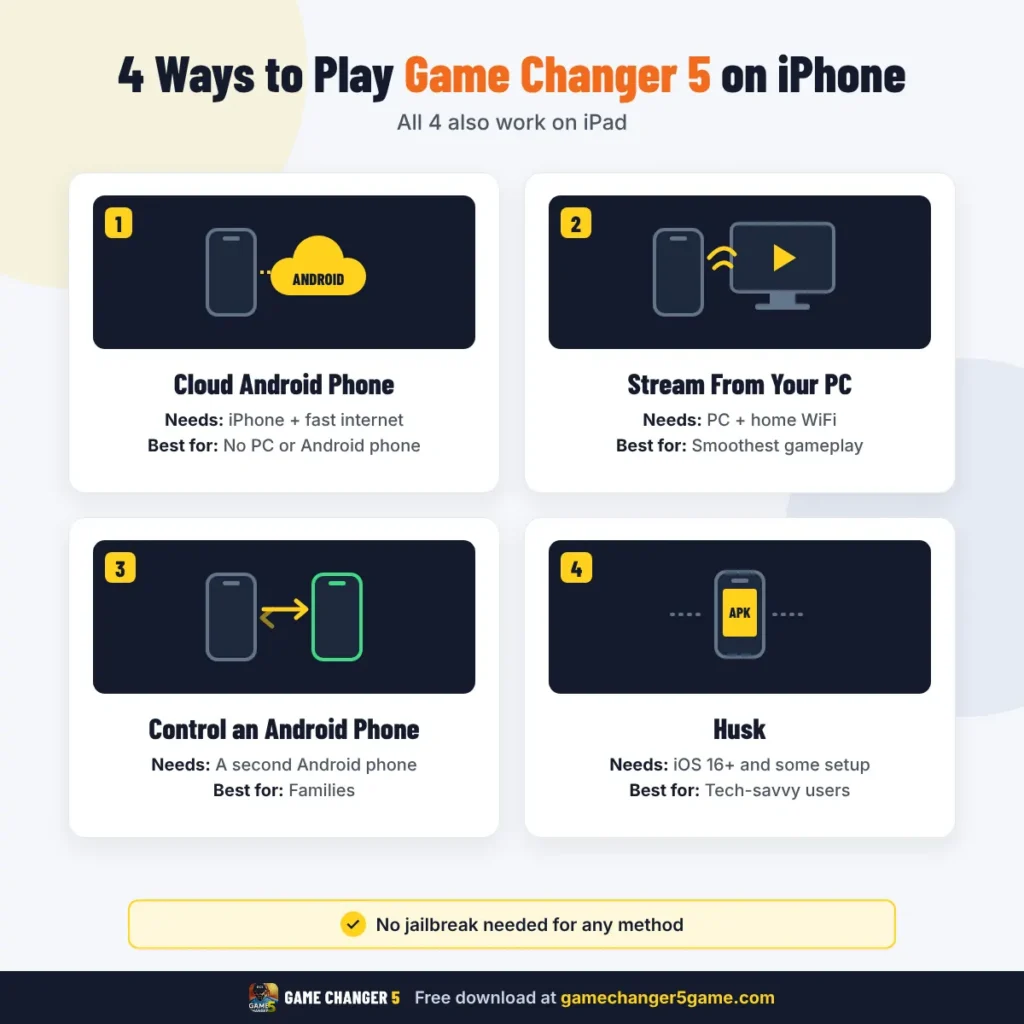
There are four ways to play Game Changer 5 on an iPhone. None of them need a jailbreak, and all of them run the real Android game.
Play on a Cloud Android Phone (no PC needed)
A cloud Android phone is a real Android phone that runs on the internet. You open it on your iPhone, install Game Changer 5 on it and play, just like on a normal Android phone. You don’t need a PC or a second phone for this.
Keep in mind that this method needs a fast and stable internet. A good WiFi connection works much better than mobile data. The free trial is short, so after that you will need a paid plan. Other services like VMOS Cloud cost around $4 to $5 a month.
Stream It From Your PC (Remote Play)
If you have a PC or laptop at home, this is the smoothest way to play. The game runs on your computer, and your iPhone shows it like a live stream. You control everything from your iPhone screen.
Use 5 GHz WiFi if your router has it, because it cuts the lag a lot. Steam Link is another free app that works the same way. Moonlight also supports game controllers, so you can even play with a PlayStation or Xbox controller.
Control an Android Phone From Your iPhone
Maybe someone in your family has an Android phone. You can install Game Changer 5 on that phone and control it from your iPhone. It’s like using their phone from your own screen.
The game still runs on the Android phone, so keep it charged and connected to WiFi. There can be a small delay in the controls. That’s why this method suits Test matches and slow games more than a fast T20 chase. TeamViewer also works in the same way.
Husk
Husk is a new tool from 2026 that can run some Android games directly on an iPhone. It works best with games made on the Unity engine, and Game Changer 5 is made on Unity. This method is for people who are comfortable with a bit of technical setup, because Husk is not on the App Store.
To use Husk you need:
Once Husk is installed, you import the Game Changer 5 APK into it and open the game. Not every Android game works yet, and the speed depends on your iPhone model. If you try it, start with a short match first to see how it runs on your phone.
Which Method Is Best for You?
| Method | What You Need | Best For |
|---|---|---|
| Cloud Android Phone | iPhone + fast internet | No PC or Android phone |
| Stream From PC | PC + home WiFi | Smoothest gameplay |
| Control an Android Phone | A second Android phone | Families |
| Husk | iOS 16+ and some setup | Tech-savvy users |
Game Changer 5 on iPad and Mac
All four methods work on an iPad in the same way. In fact, the iPad’s big screen makes cloud phones and remote play much more fun, almost like playing on a small TV.
If you have a Mac with an Apple chip (M1, M2, M3 or M4), you have an even easier option. BlueStacks Air is a free app that runs Android games on these Macs. Your Mac needs at least 8 GB RAM and macOS 11 or newer. Older Macs with Intel chips can’t use it, so use remote play or a cloud phone instead.
Final Words
Game Changer 5 isn’t on the App Store yet, and there’s no news of an iOS version for now. Until that happens, these methods let you enjoy the game on your iPhone and iPad today. Start with the one that fits what you already have, and you’ll be playing your first match in no time.